|
Caution
|
• |
Do not place other items on the wireless chargers when a device is charging or when the wireless charging feature is turned on. Doing so could result in overheating and risk of burns. |
|
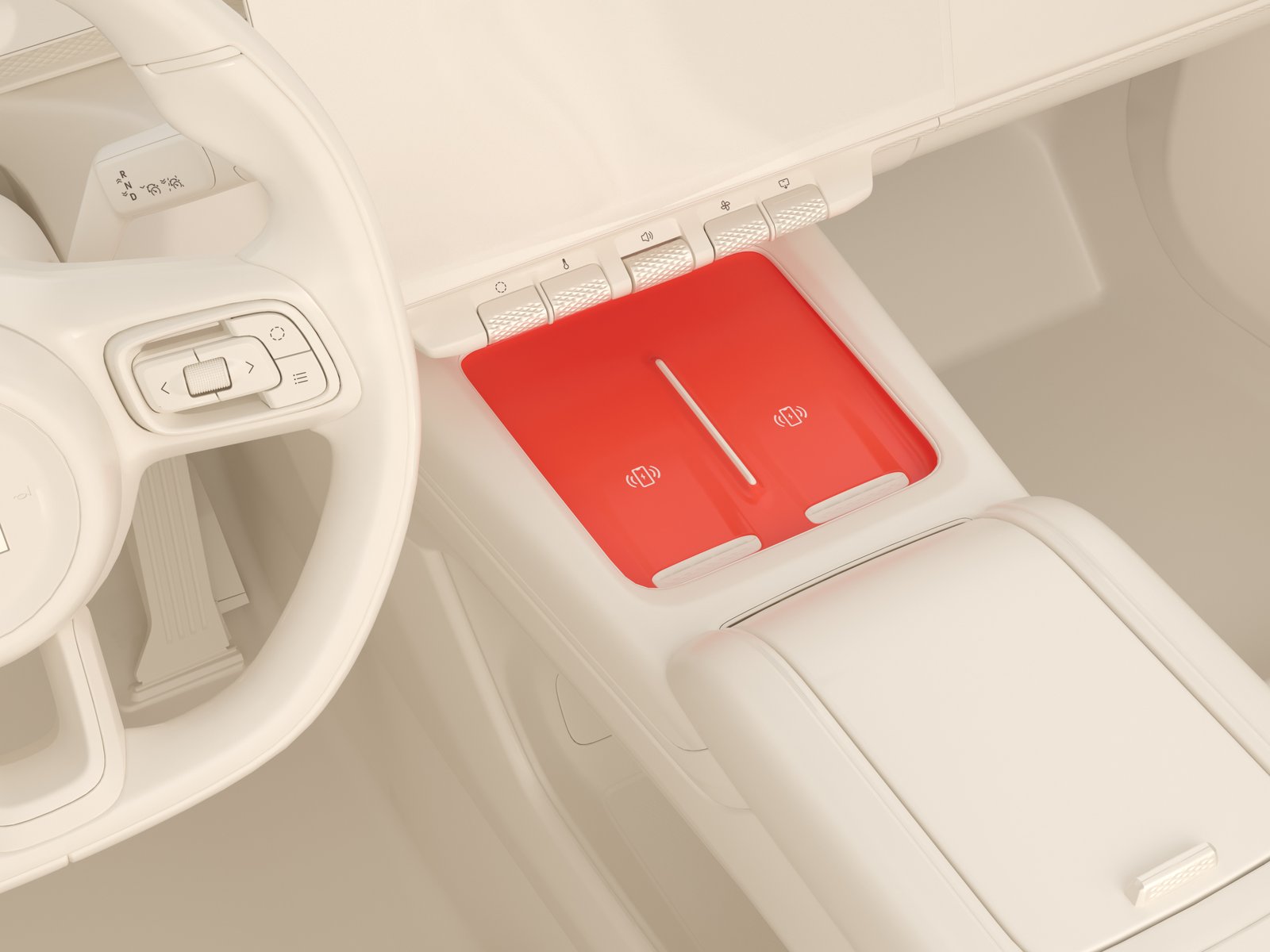
The car has two 50 W wireless chargers in the front console. The wireless chargers can charge devices supporting various standards, including the QI standard.
To toggle the wireless charging function on/off:
|
1. |
Navigate to  .
|
|
2. |
Toggle Wireless charging on/off.
|
To charge a device, make sure the wireless charging function is turned on (on the device and the car), and the device's charging area is centered over the wireless charger.
Wireless charger limitations
To use the wireless chargers as efficiently as possible, be aware of the following limitations:
|
• |
Only one device can be wirelessly charged at a time, per wireless charger. |
|
• |
If the device being charged is not correctly placed on the wireless charger, the charging efficiency might be lower, or the device might not be charged at all. |
|
• |
If charging of a device fails, the case used on the device might be too thick. If this happens, remove the case from the device to charge it correctly. |
|
• |
If charging of a device fails, make sure that the wireless charger is free from foreign objects and place the device correctly on the charger. |
|
• |
If the temperature of a device being charged reaches too high levels, the charging will stop to protect the device and resume when the temperature has reached a safe level again. |
|
• |
When driving on uneven roads, the wireless charging might intermittently stop/resume. |