|
Warning
|
• |
Do not stare at the head-up display while driving. Doing so could distract you, potentially cause an accident which could lead to death or serious injury. |
|
|
NOTICE
|
• |
Do not let liquid enter the head-up display projector area. Doing so could cause an electrical fault, damaging the head-up display. |
|
• |
Do not touch or place anything in the head-up display projector area. Doing so will block the projection of the head-up display and could cause damage to the projector. |
|
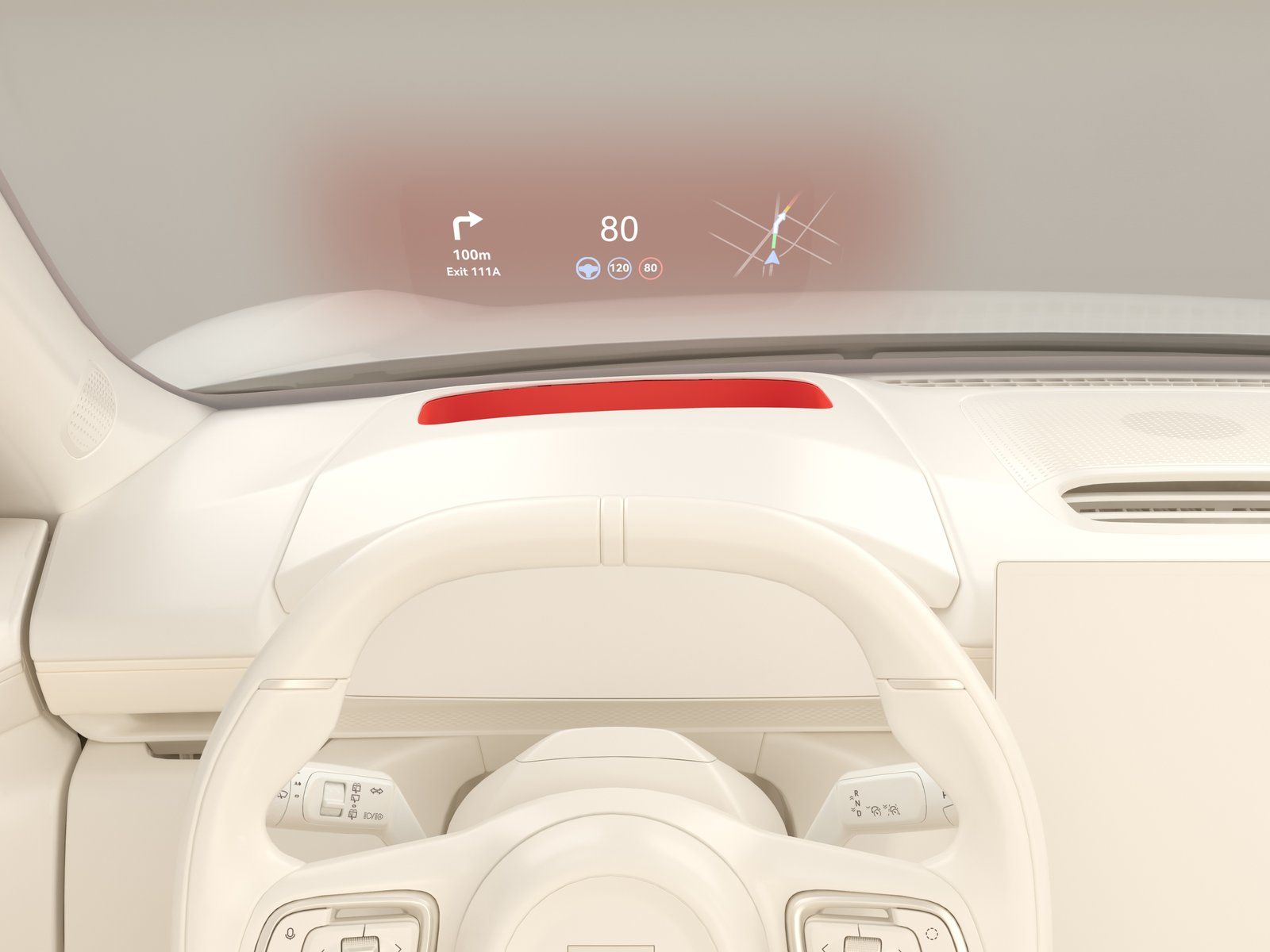
The head-up display projects information onto the windshield in front of the driver. The driver then has easy access to information such as the current speed, navigation, and other information.
The indentation beneath the head-up display is the head-up display projection area.
Head-up display settings
|
Warning
|
• |
Do not adjust the head-up display while driving. Doing so could distract you, potentially causing an accident which could lead to death or serious injury. |
|
• |
Make sure the position, angle of projection, and brightness of the head-up display does not affect visibility. Failure to do so may cause the head-up display to prevent the driver from noticing an object or pedestrian in time, which could lead to death or serious injury. |
|
The head-up display is activated/deactivated and adjusted on the center display, either by navigating to

, or in the swipe-down menu.
To activate/adjust the head-up display in the swipe-down menu:
|
• |
Press HUD Switch to activate/deactivate the head-up display. |
|
• |
Press HUD Adjustment to adjust the head-up display settings. |
The head-up display settings are stored together with the side mirrors and seats settings. For further information, see
Seat position memory.
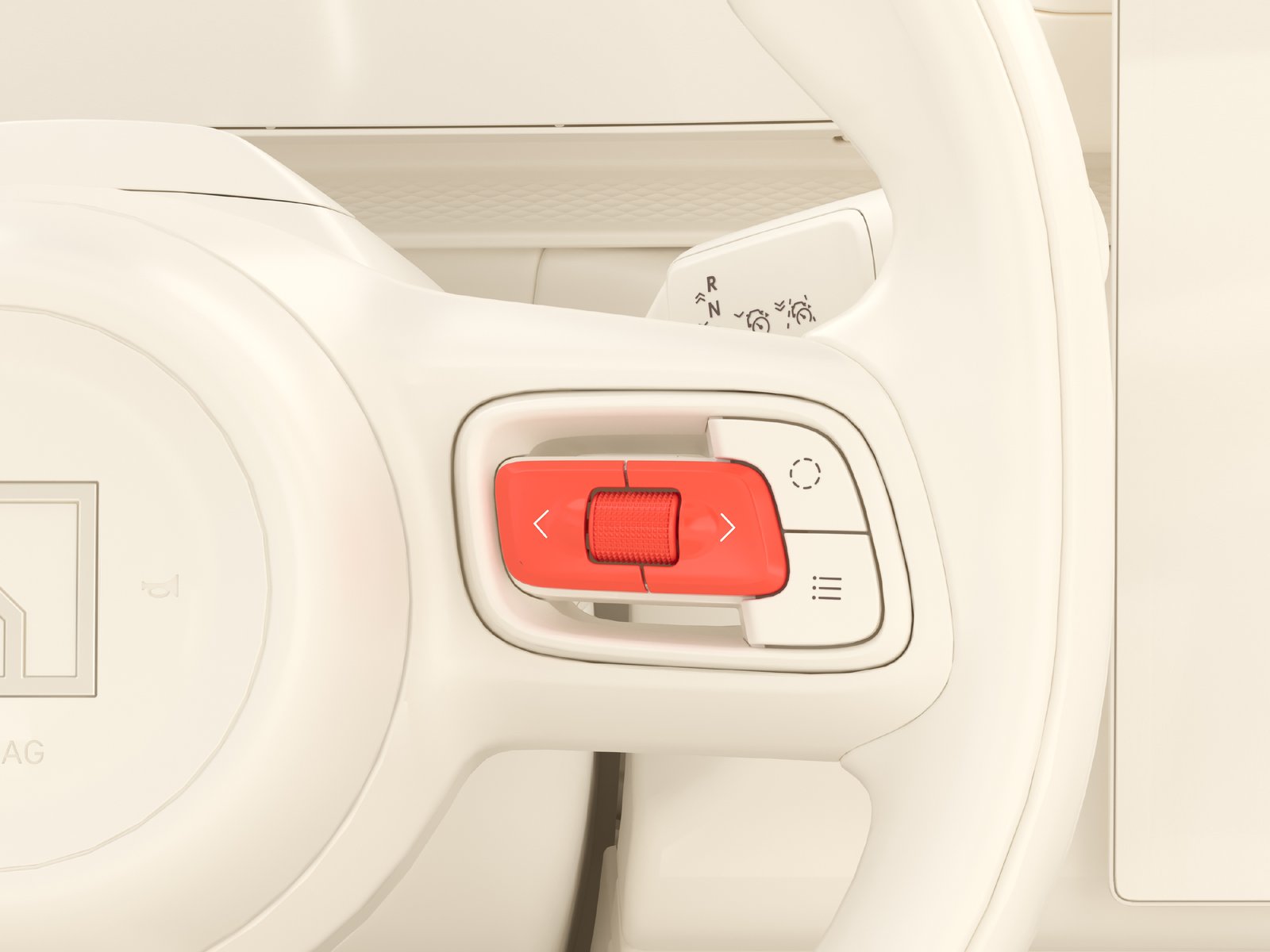
The scroll wheel and buttons on the right side of the steering wheel is used to adjust the head-up display settings:
|
• |
Set the brightness level of the head-up display by pushing the left or right buttons. |
|
• |
Set the position of the head-up display by scrolling upwards or downwards. |
If the road is covered in snow or the road is highly reflective for some other reason, snow mode can be enabled to improve visibility of the head-up display. This will change the display color from white to orange. To activate snow mode, navigate to
.
Polarized sunglasses can negatively affect visibility of the head-up display. Try adjusting the brightness level of the head-up display to improve visibility.
Head-up display maintenance
It is important to maintain and protect the head-up display projector area to ensure that the head-up display remains functional.
To keep the head-up display projection clear, regularly wipe the head-up display projection screen with a clean, dry microfiber cloth. When necessary, a slightly damp cloth can be used.