App menu
|
NOTICE
|
The app center is where all installed applications are found. Installed media apps are found inside Online media.
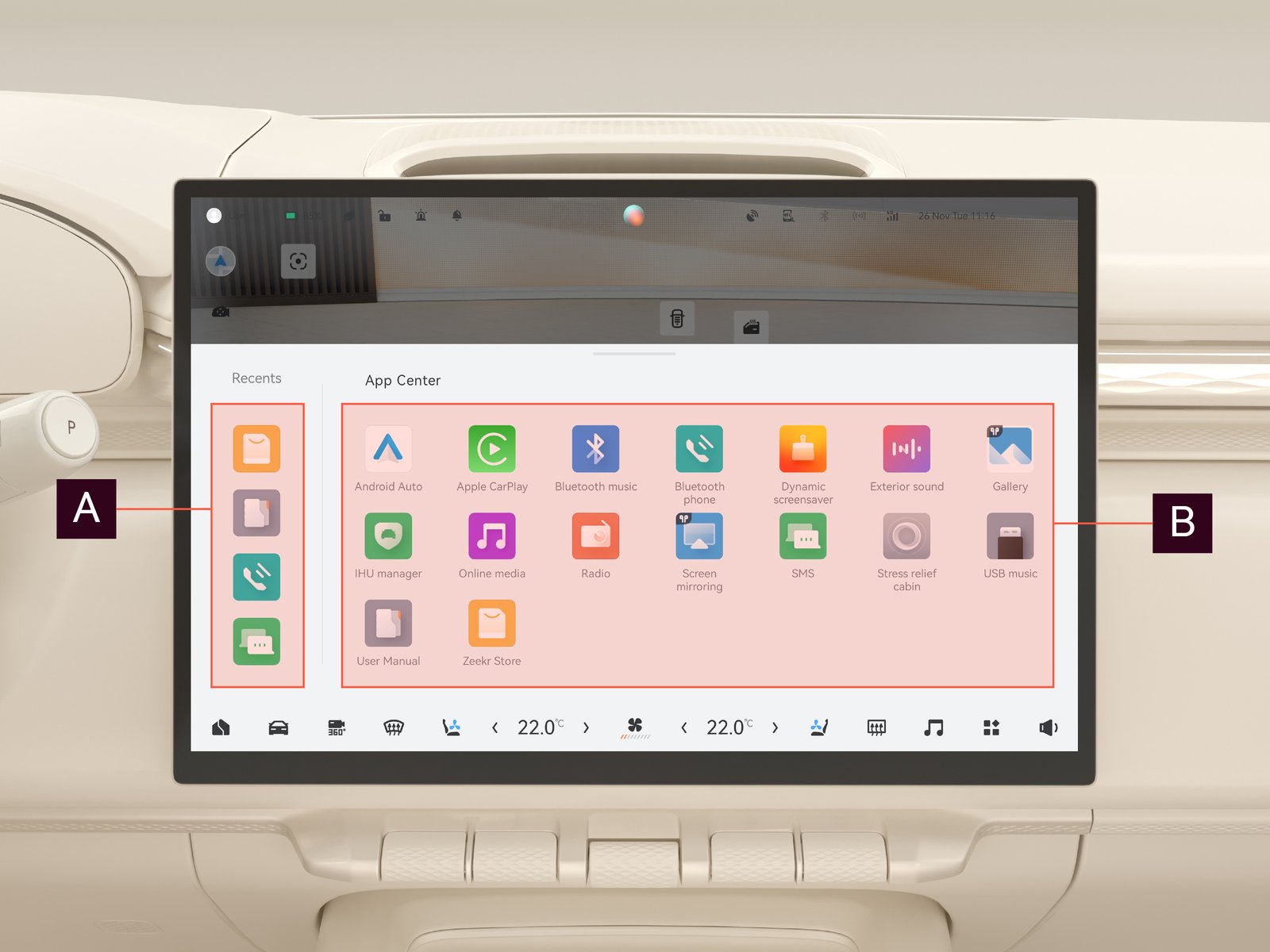
| Function | Description | |

|
Recent applications | Displays the most recently used applications. |

|
Applications list | Displays all installed applications. |
To download or update applications, navigate to  on the center display.
on the center display.
Note: The availability of applications might change at any moment as the applications are constantly being updated, improved, or replaced.
We recommend:
Use the latest software version to ensure access to the latest applications.
Use the latest software version to ensure access to the latest applications.